
How to Swap Faces in Photos with AI Fast (2026 Guide)
By Maria · 2026-06-25
AI Face Swap technology makes it possible to replace faces in photos quickly, accurately, and without professional editing skills. In this guide, you'll learn how AI face swap tools work, what factors affect the quality of face replacements, how to create more realistic results, and which mistakes to avoid. Whether you're creating social media content, memes, marketing visuals, or creative projects, this article covers everything you need to know about swapping faces in photos with AI.
Face swap technology has changed the way people edit and create digital images, making it easier than ever to transform photos with the help of artificial intelligence. A face swap allows users to replace one face with another in a picture while keeping the image looking natural and realistic. With the rise of AI face swap tools, people can now swap faces in photos, create fun edits, and produce engaging visuals without advanced editing skills.
The popularity of face swap AI has grown because these tools are fast, simple, and useful for everything from entertainment to AI face swap for social media content. In this guide, you will learn how to swap faces in photos with AI, understand how AI performs face replacements, discover how realistic face swaps are created, and explore the basics of using modern tools to change faces in pictures with AI quickly and easily.
Summary
The main idea behind AI face swap technology is speed, automation, and realism. Instead of spending time on complex manual editing, AI handles everything automatically and produces high-quality results in seconds.
This is why AI face swap tools are widely used for social media content, entertainment, and creative projects—they save time while still delivering professional-looking and realistic images.
What Is AI Face Swap and How Does It Work?
AI face swap is an advanced technology that uses artificial intelligence to replace one person’s face with another in a photo while keeping the result realistic and natural. Instead of manually editing images, AI automatically detects facial features such as eyes, nose, mouth, and face shape, then blends a new face into the original image.
Modern AI systems also adjust lighting, skin tone, and facial angles to ensure the final output looks seamless. This makes it possible for anyone to create realistic face swaps in seconds without needing professional editing skills.
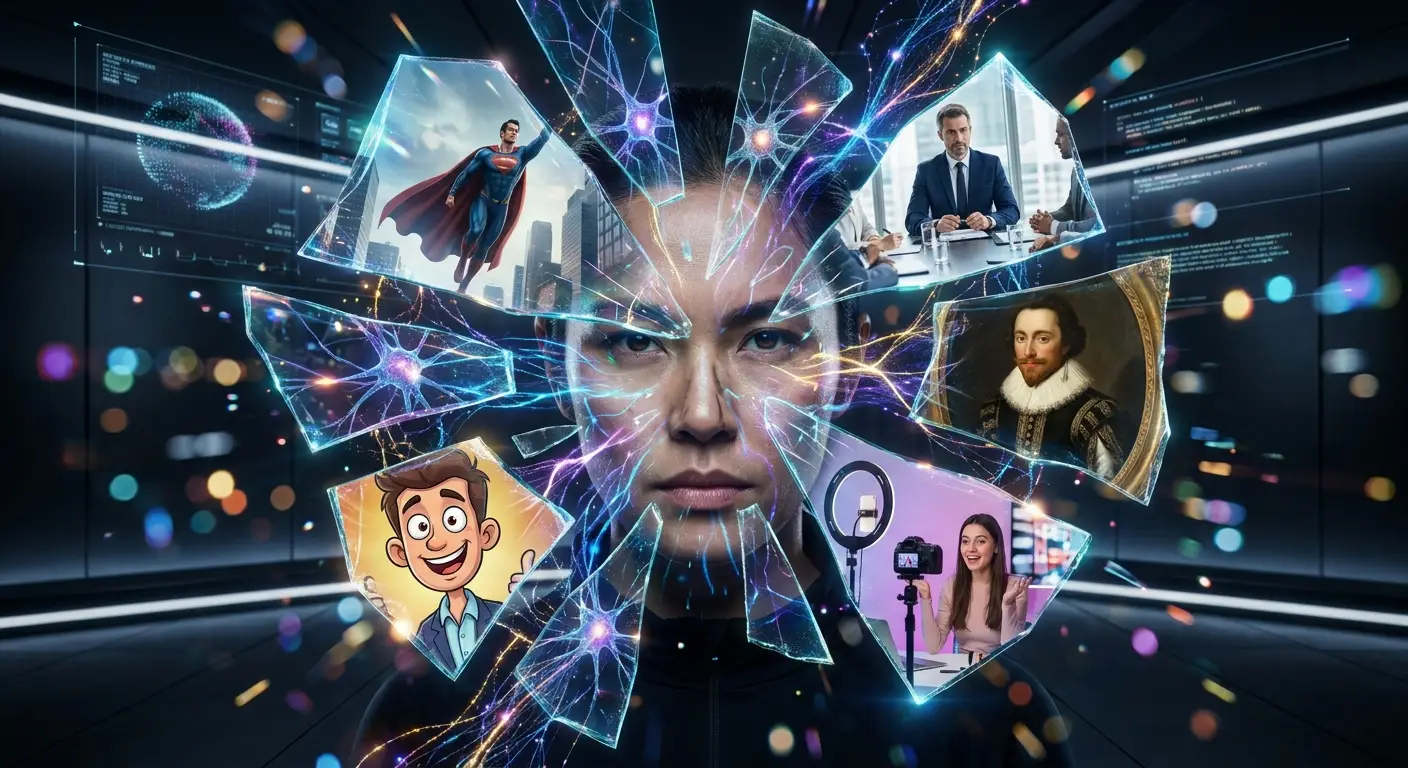
Why People Use AI Face Swap Tools?
AI face swap tools have become popular because they make image editing faster, easier, and more creative. People use these tools for different purposes, from creating fun content to producing professional visuals. Some of the most common uses include:
Social media content: Creators use AI face swap tools to make engaging posts, reels, and unique images that attract attention and increase interaction.
Entertainment: Users create funny, creative, and personalized images by swapping faces with friends, celebrities, or fictional styles for fun.
Marketing campaigns: Brands use AI face replacement technology to create eye-catching visuals, promotional content, and personalized marketing materials.
Memes: AI face swaps help users create entertaining memes by combining familiar images with new faces and creative ideas.
Professional editing: Designers and editors use AI tools to speed up photo editing tasks and create realistic image modifications.
Character transformation: People can transform themselves into different characters, styles, or creative concepts using realistic AI face swaps.
Content creation: Bloggers, influencers, and digital creators use AI face swap tools to produce fresh visual content quickly and improve their creative workflow.
What Makes a Good Face Swap Result?
A high-quality AI face swap depends on several factors that help the final image look natural and realistic. The better the input images and AI processing, the smoother the face replacement will appear.
Factor | Explanation |
|---|---|
High-quality images | Clear, high-resolution photos provide AI with more facial details, helping create a sharper and more realistic face replacement. |
Similar face angles | When the original face and replacement face have similar angles and positions, AI can blend them more naturally into the image. |
Good lighting conditions | Matching lighting and shadows help the swapped face fit the photo without looking edited or unnatural. |
Accurate facial alignment | AI needs to correctly match key facial features such as eyes, nose, and mouth for a realistic result. |
Natural expressions | Similar facial expressions make the final face swap look more believable and visually consistent. |
Advanced AI technology | Modern AI face swap tools use machine learning to improve blending, skin tones, and overall image quality. |
Proper image selection | Choosing suitable photos with visible faces and minimal obstructions helps create better results. |
How to Swap Faces in Photos with AI (Step-by-Step)
Using AI face swap tools like Betatum AI is very simple and beginner-friendly. Follow these steps:
Upload the original photo where you want to replace the face.
Upload the face image you want to use.
Let the AI automatically detect and process facial features.
Review the result and download the final image.
The AI handles all complex editing tasks such as alignment, blending, and lighting correction, making the process fast and effortless.
How to Get More Realistic Face Swap Results
Creating a realistic AI face swap depends on the quality of the images you use and how well the faces match. Follow these tips to improve your results and create more natural-looking face replacements:
Use high-resolution photos
High-quality images give AI more facial details to analyze, helping create a sharper and more realistic face swap result.
Match lighting conditions
Photos with similar lighting make the replacement face blend better with the original image. Matching brightness, shadows, and colors helps the final edit look more natural.
Avoid blurry faces
Clear and sharp facial images allow AI tools to detect important features more accurately. Blurry photos may reduce the quality of the face replacement.
Use front-facing portraits
Front-facing images usually provide better results because AI can easily identify facial features and align the replacement face correctly.
Keep facial expressions similar
Using images with matching expressions helps the swapped face look more realistic and connected to the original photo.
Use images with visible facial features
Make sure the eyes, nose, and mouth are clearly visible. Photos with sunglasses, heavy shadows, or blocked faces can make the AI face swap less accurate.
Common Face Swap Mistakes and How to Avoid Them
Even though AI face swap tools are advanced, the quality of the final result still depends heavily on the input images. Small mistakes can lead to unrealistic or distorted outputs. Here are some common issues and how to fix them:
Blurry source image
When the original or replacement face is blurry, AI cannot detect facial details properly, leading to unclear or distorted results.
Solution: Always use sharp, high-resolution images where facial features are clearly visible.
Different lighting
If the two photos have different lighting conditions, the swapped face may look unnatural or out of place.
Solution: Choose images with similar brightness, shadows, and color tones for a smoother blend.
Extreme face angles
Faces that are turned too far sideways or tilted can confuse AI alignment and reduce realism.
Solution: Use photos with similar and more front-facing angles for better accuracy.
Low-quality uploads
Compressing or uploading heavily edited images can reduce detail and affect AI processing quality.
Solution: Upload original, high-quality images without heavy filters or compression for the best results.
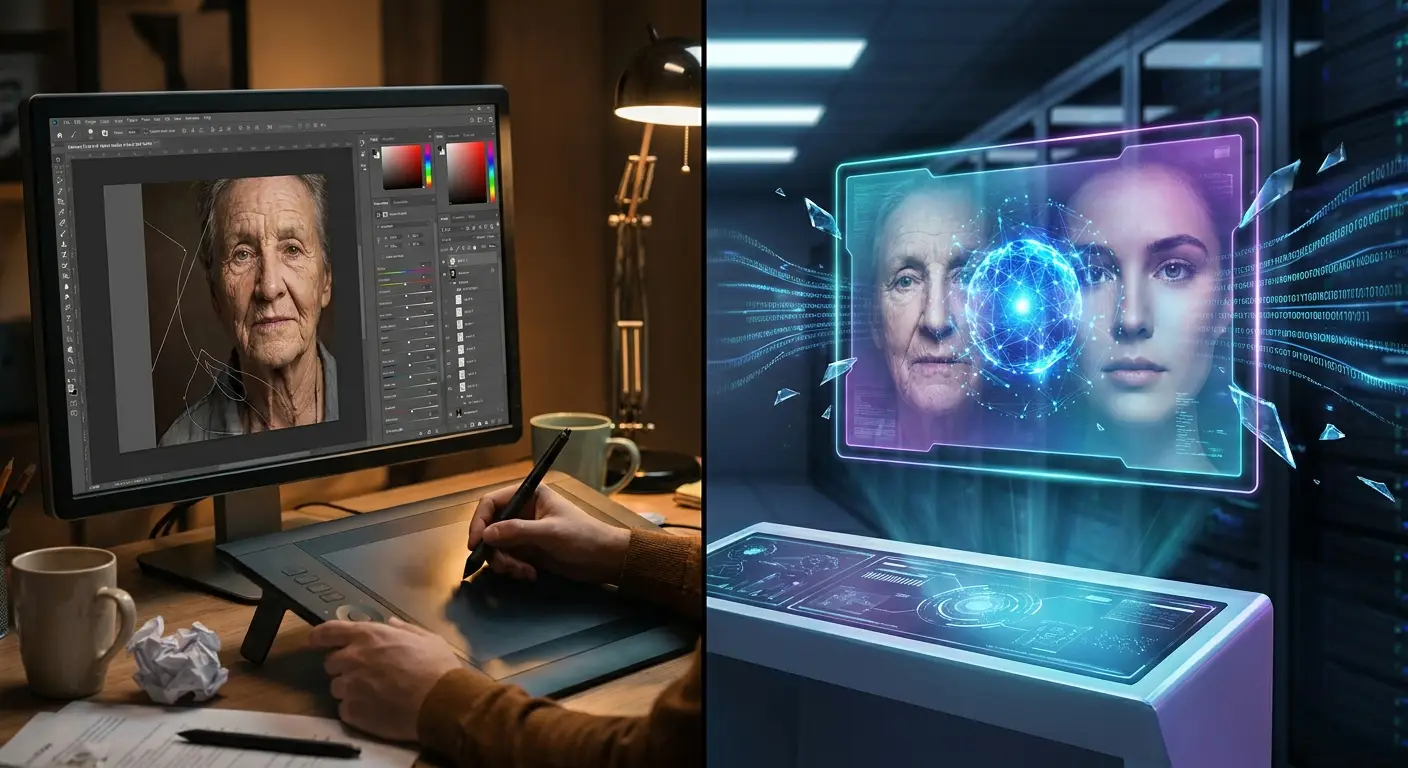
AI Face Swap vs Traditional Photo Editing
Here’s a clear comparison between AI-powered face swapping and traditional manual photo editing methods:
Feature | AI Face Swap | Manual Editing |
|---|---|---|
Speed | Processes face swaps in seconds using automation | Takes significantly longer due to manual adjustments |
Ease of use | Beginner-friendly with simple upload-and-generate steps | Requires advanced photo editing skills and experience |
Accuracy | AI automatically detects and aligns facial features | Depends on editor’s skill and precision |
Realism | Produces highly realistic results using machine learning | Can be realistic but often requires detailed manual blending |
Time required | Very fast, usually instant or within seconds | Time-consuming, especially for complex edits |
Tools needed | AI-powered face swap tools or apps | Professional software like Photoshop |
Learning curve | Very low, suitable for beginners | High, requires practice and technical knowledge |
Best Photos for Face Swapping
The quality of an AI face swap result depends heavily on the photos you choose. Even the most advanced AI tools rely on clear visual data to detect facial features and blend them naturally. If the input images are good, the output will look more realistic and seamless.
Why AI Face Swap Quality Depends on Photo Quality
AI models analyze facial structure, lighting, and expressions to generate a realistic replacement. When the photo is clear and well-lit, the system can accurately map facial features and produce a smooth, natural-looking result. Poor-quality images reduce accuracy and often lead to distorted or unrealistic face swaps.
Works Best With
Choosing the right type of photo is very important for getting accurate and realistic AI face swap results. Clear and well-framed images help the AI detect facial features more easily and create smoother blends. Below are the types of photos that work best:
Portrait photos: Clear front-facing shots give AI the best facial detail to work with.
Selfies: Well-lit selfies help maintain natural expressions and alignment.
Group photos: AI can still detect and replace individual faces if they are visible and not blocked.
Professional headshots: High-resolution and properly lit images produce the most realistic results.
Difficult Cases
Not every photo is suitable for AI face swapping, and some types of images can reduce accuracy or produce unrealistic results. Understanding these challenging cases helps you avoid common mistakes and improve output quality.
Side profiles: Extreme angles make it harder for AI to align facial features correctly.
Hidden faces: Obstructed or partially covered faces reduce detection accuracy.
Sunglasses: Covering key facial features like eyes affects realism.
Heavy shadows: Dark lighting can hide important details and lead to poor blending results.
Creative Ways to Use AI Face Swap
AI face swap tools are not just for fun—they can also be used in creative, educational, and professional ways. Here are some of the most popular and interesting applications:
Social media content: Create eye-catching posts, reels, and images that stand out and increase engagement on platforms like Instagram, TikTok, and Facebook.
Movie character transformations: Replace faces with famous movie characters to create fun edits, cosplay-style images, or fan content.
Historical re-creations: Bring history to life by swapping faces into historical photos for educational or storytelling purposes.
Marketing campaigns: Brands use AI face swap tools to create personalized and attention-grabbing promotional visuals.
Funny memes: Generate humorous content by combining faces with trending meme templates for viral sharing.
Personalized greetings: Create unique birthday wishes, holiday messages, or special greetings by placing someone’s face into themed images.
Why Betatum AI Makes Face Swapping Easier
Betatum AI makes face swapping simple and accessible for everyone by combining powerful AI technology with an easy-to-use experience. It delivers fast processing, allowing users to generate face swap results within seconds without long waiting times. The platform also features a user-friendly interface, making it easy for beginners to upload images and create edits without confusion. With its focus on high-quality results, Betatum AI produces clear and realistic outputs that maintain natural facial details.
No editing skills are required, which means anyone can use it without prior experience in photo editing tools. It also offers realistic face blending, ensuring that swapped faces match lighting, expressions, and skin tones smoothly. Additionally, Betatum AI works seamlessly on both desktop and mobile devices, giving users the flexibility to create AI face swaps anytime and anywhere.
Final Thoughts
AI face swap technology has made digital editing faster, easier, and more accessible than ever. With tools like Betatum AI, anyone can create realistic face swaps in seconds without technical skills. The best results depend on using clear, high-quality images with proper lighting and matching facial angles. This technology is widely used for social media, entertainment, marketing, and creative content production.