
Convert Photo to Cartoon (Fast & Free Guide)
By Maria · 2026-06-18
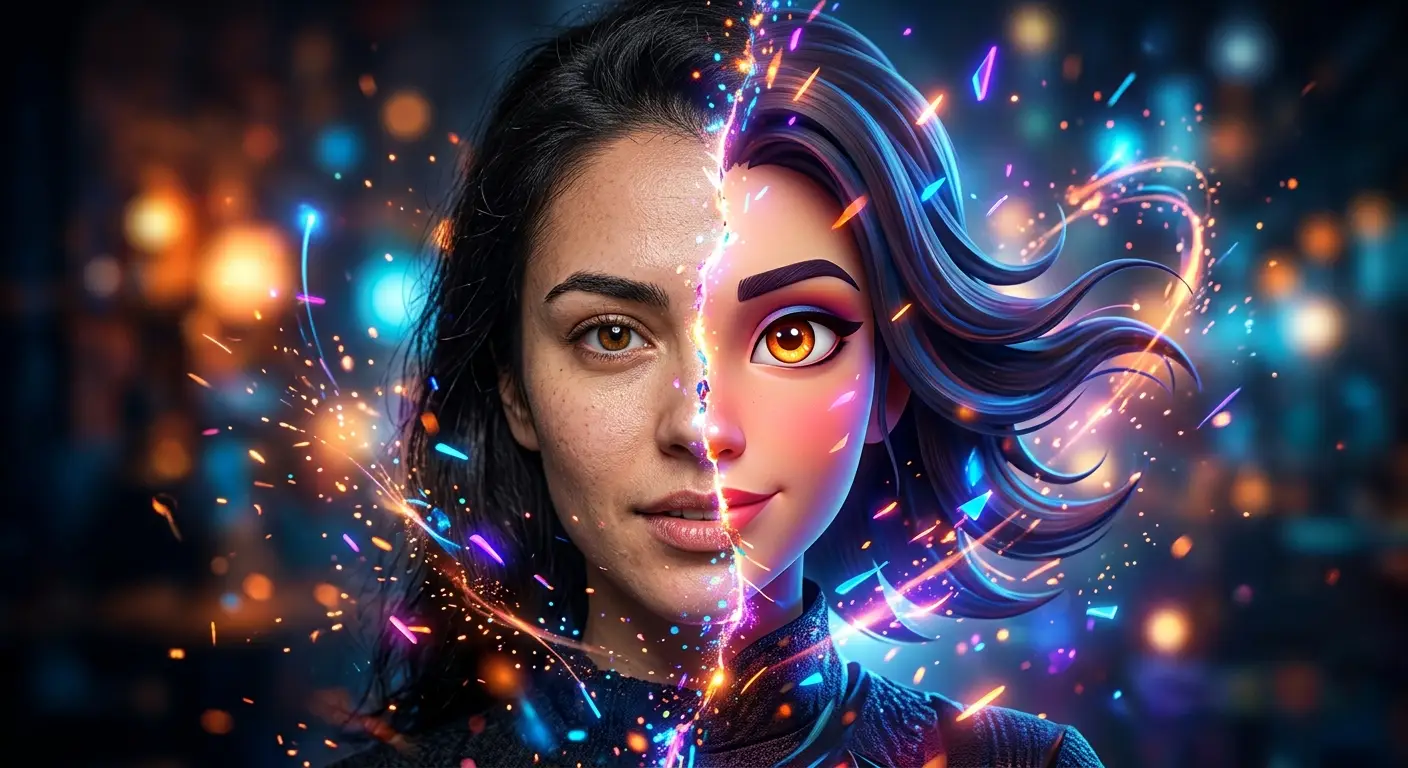
Many users focus on finding the perfect cartoon filter, but the most important factor is choosing the right style for the purpose of the image. A cartoon avatar for social media may require a different approach than artwork for branding or marketing. Exploring various AI photo styles and matching them to your audience can significantly improve the visual impact and effectiveness of the final image.
Turning a regular photo into a cartoon means transforming a real image into a creative cartoon-style version while keeping the main features, expressions, and details recognizable. With modern tools, you can easily convert photo to cartoon and create a fun digital version of yourself, your friends, or any image you like.
Cartoon-style photos have become very popular because they add a unique and creative look to normal pictures. Many people use them for social media profiles, personal projects, gifts, branding, or simply to try a different style. A good cartoon photo maker can change the overall feel of an image in just a few clicks.
People often choose to cartoonize photo effects when they want a more artistic version of their pictures without needing advanced editing skills. Whether it is creating a profile picture, making a memorable portrait, or exploring AI-based designs, cartoon effects make images more eye-catching and personal.
In this guide, you’ll learn how to turn photo into cartoon easily, understand how AI tools work, and discover the best ways to create high-quality cartoon images. Keep reading to explore the full process and learn how to get the best results from a cartoon photo transformation.
Quick Summary:
Converting a photo into a cartoon is an easy and creative process that can be done using different methods such as AI tools, mobile apps, or professional software like Photoshop. Each method allows users to turn ordinary images into stylized cartoon versions with just a few steps like uploading a photo, choosing a style, and downloading the final result. The best approach depends on your needs, whether you want a quick transformation or more detailed customization. Overall, cartoon effects offer a fun way to enhance personal photos, improve social media content, and create unique digital identities.
Why Convert a Photo to Cartoon?
Converting a photo into a cartoon is a simple way to give your images a fresh and creative look. A cartoon version of a photo can make your content stand out, show your personality, and create a more memorable visual style. Whether you want a fun profile image or a unique digital design, cartoon effects offer many practical uses.
Create a Unique Profile Picture
A cartoon profile picture can make your online identity more interesting and different from standard photos. It adds a creative touch while keeping your main facial features recognizable.
Improve Social Media Content
Cartoon-style images can help your posts look more attractive and engaging. Many creators use cartoon effects to add variety to their content and make their visuals more eye-catching.
Design a Personalized Avatar
A cartoon avatar allows you to create a digital version of yourself that matches your style and personality. It can be used on websites, apps, online communities, and social platforms.
Create Creative Gifts or Prints
Cartoon portraits can be turned into unique gifts, posters, cards, or printed designs. They are a simple way to create something personal and memorable.
Build a Strong Personal Brand
A consistent cartoon style can help businesses, creators, and professionals create a recognizable visual identity. A custom cartoon image can make a brand feel more unique and approachable.
Build Gaming Avatars
Cartoon images are also popular for creating gaming avatars. They allow players to design a fun and personalized character for their online profiles.
Different Ways to Convert Photo to Cartoon
There are several ways to convert photo to cartoon, depending on your needs, skills, and the type of result you want. Some methods are quick and automatic, while others give you more control over the final look. Here are the most common ways to create a cartoon-style image.
Convert Photo to Cartoon with AI
AI tools are one of the fastest ways to transform a regular image into a cartoon-style picture. An AI cartoon generator can analyze your photo, detect important details, and apply creative cartoon effects automatically. Tools like Betatum AI make the process easier by helping users create cartoon images without needing advanced editing skills. This method is ideal for anyone who wants a quick result with a simple process while keeping the main details of the original image.
Convert Photo to Cartoon Using Mobile Apps
Mobile apps are a convenient option for users who want to turn photo into cartoon directly from their devices. Many apps offer ready-made effects and filters that can instantly create cartoon portraits.
Convert Photo to Cartoon on desktop:
Some mobile-based tools also work through desktop versions or web platforms, allowing users to edit images on a larger screen with more comfort.
Convert Photo to Cartoon on iPhone:
iPhone users can use different cartoon editing apps designed for iOS to create creative portraits, avatars, and social media images easily.
Convert Photo to Cartoon on Android:
Android users can choose from various apps that provide cartoon filters and AI-based effects for converting photos into unique cartoon designs.
Convert Photo to Cartoon in Photoshop
Photoshop offers a more advanced way to create cartoon effects by using filters, layers, and manual adjustments. This method gives users more control over details, colors, and the final style. Although it requires more editing knowledge and takes more time, it is a good option for people who want a highly customized cartoon image.
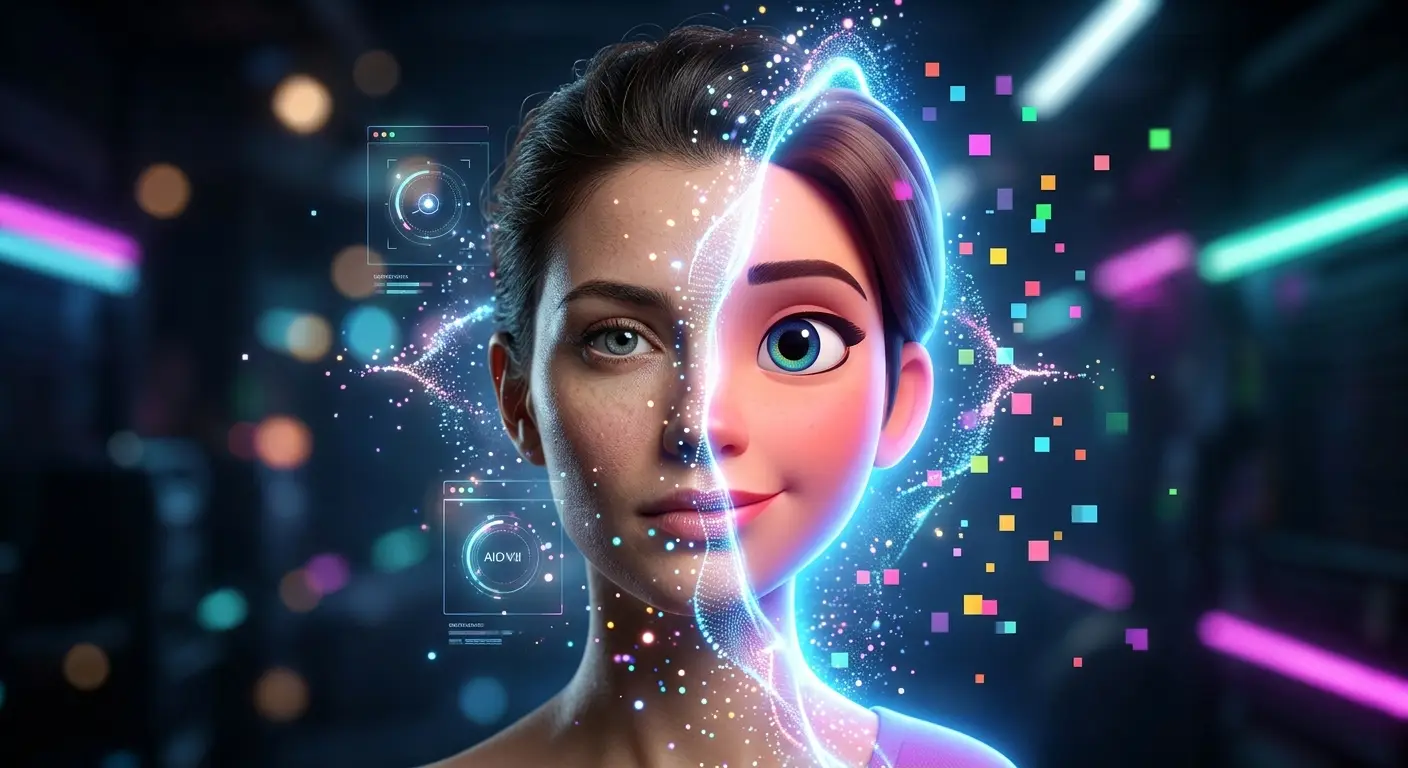
Step-by-Step: Convert Photo to Cartoon With AI
Using AI is one of the easiest ways to convert a photo to cartoon without needing editing skills. Most AI tools follow a simple process that quickly turns your image into a cartoon-style version.
Step 1 — Upload Your Photo
Start by uploading the image you want to convert. It can be a portrait, selfie, or any photo. The AI tool will use this image as the base for generating the cartoon version.
Step 2 — Choose a Cartoon Style
Next, select a cartoon style. Many AI platforms offer different styles such as 2D cartoon, 3D cartoon, sketch, or anime-inspired effects. Choose the style that matches the look you want.
Step 3 — Adjust Image Settings
Before generating the final result, you can adjust key image settings to improve the output quality:
Detail level — Controls how much facial and background detail is preserved
Sharpness — Makes the cartoon image clearer or softer
Contrast — Adjusts the difference between light and dark areas
Color intensity — Changes how strong or vibrant the colors appear
These settings help you customize the final result based on your preference.
Step 4 — Generate and Preview
After adjusting the settings, click the generate button. The AI will process your image and create a cartoon version. You can preview the result and check if it matches your expectations.
Step 5 — Download the Final Image
Once you are satisfied with the result, simply download the final cartoon image. You can then use it for social media, profiles, or personal projects.
Best Cartoon Styles You Can Try
When you convert photo to cartoon, choosing the right style makes a big difference in the final result. Each style gives a unique look and feel, depending on the mood you want to create. While cartoon effects remain one of the most popular options, many users also explore different AI photo styles , such as cinematic, fantasy, vintage, and digital art effects, to create unique and personalized images.
Classic Cartoon Style: A simple and clean cartoon look with smooth shapes and basic colors. It keeps the image fun and easy to recognize.
3D Cartoon Style: A more modern style that adds depth and realistic lighting. It gives the image a polished, animated 3D appearance.
Anime Style: Inspired by Japanese animation, this style focuses on expressive eyes, detailed hair, and emotional visuals.
Pencil Sketch Cartoon: A hand-drawn sketch effect that looks like a pencil illustration. It is minimal, artistic, and creative.
Pixar-Inspired Style: A high-quality 3D cartoon look similar to animated movie characters. It is colorful, smooth, and highly detailed.
Comic Book Style: A bold style with strong outlines, shadows, and dramatic effects, similar to graphic novels and comics.
Watercolor Cartoon: A soft artistic style that looks like a painted watercolor artwork with smooth color blending.
Digital Illustration Style: A modern digital art look with clean details, sharp edges, and professional design quality.
Studio Ghibli Style: A dreamy and cinematic style inspired by Japanese animated films, often featuring soft colors and emotional scenery.
Disney Style: A bright and friendly cartoon style with expressive characters and polished animation aesthetics.
How to Get Better Cartoon Results
If you want to convert a photo to a cartoon with high quality results, the input photo plays a very important role. Small improvements before uploading can make a big difference in the final cartoon image.
Start with a High-Quality Photo
Use a clear and sharp image with good resolution. High-quality photos help AI tools detect facial details more accurately and produce a better cartoon version.
Improve Lighting Before Uploading
Good lighting is essential for clean results. Make sure your face is well-lit and avoid strong shadows that can hide important details.
Avoid Blurry Images
Blurry photos reduce the quality of the final output. Always choose images where facial features and edges are clearly visible.
Use Portrait Photos for Better Results
Portrait-style photos work best because they focus on the face. AI tools can easily recognize facial structures and create more accurate cartoon effects.
Choose the Right Background
A simple and clean background helps the AI focus on the subject. Busy or crowded backgrounds may affect the quality of the cartoon conversion.
Common Problems and How to Fix Them
When you convert photo to cartoon, sometimes the result may not look perfect. Most issues come from the input image or settings, and they can usually be fixed easily.
Cartoon Output Looks Blurry
This usually happens when the original photo is low quality. Use a high-resolution image and avoid compression to get a sharper cartoon result.
Facial Details Are Missing
If important facial features are lost, the photo may be too dark, unclear, or taken from a bad angle. Try using a clearer portrait photo with good lighting.
Colors Look Unrealistic
Unnatural colors can occur when settings like contrast or color intensity are too high. Adjust the settings or choose a more balanced style.
Background Appears Distorted
Busy or complex backgrounds can confuse the AI. Use a simple background or remove distractions before uploading the image.
Download Quality Is Too Low
Some tools reduce quality in free versions. To fix this, choose high-quality export options or use a cartoon photo maker that supports HD downloads.
Is It Safe to Upload Photos to AI Cartoon Tools?
In general, using AI tools to convert photo to cartoon is safe, but it depends on the platform you choose. Most trusted tools state that uploaded images are only used for processing and are automatically deleted after a short period. However, it is always recommended to check the privacy policy before uploading any photo. For better security, avoid uploading highly personal or sensitive images to unknown websites and only use reliable platforms that clearly explain how they store or delete user data.
Conclusion
In summary, convert photo to cartoon is a simple process that can be done in different ways, from AI tools and mobile apps to professional software like Photoshop. Each method follows a similar idea: upload your photo, apply a cartoon style, adjust settings if needed, and download the final result.
Choosing the right method depends on your needs. If you want fast and easy results, an AI cartoon generator is the best option. If you prefer more control or editing features, mobile apps or Photoshop can give you more flexibility.
Now it’s your turn to try it yourself. Explore different tools, experiment with styles, and create your own unique cartoon images in just a few clicks.